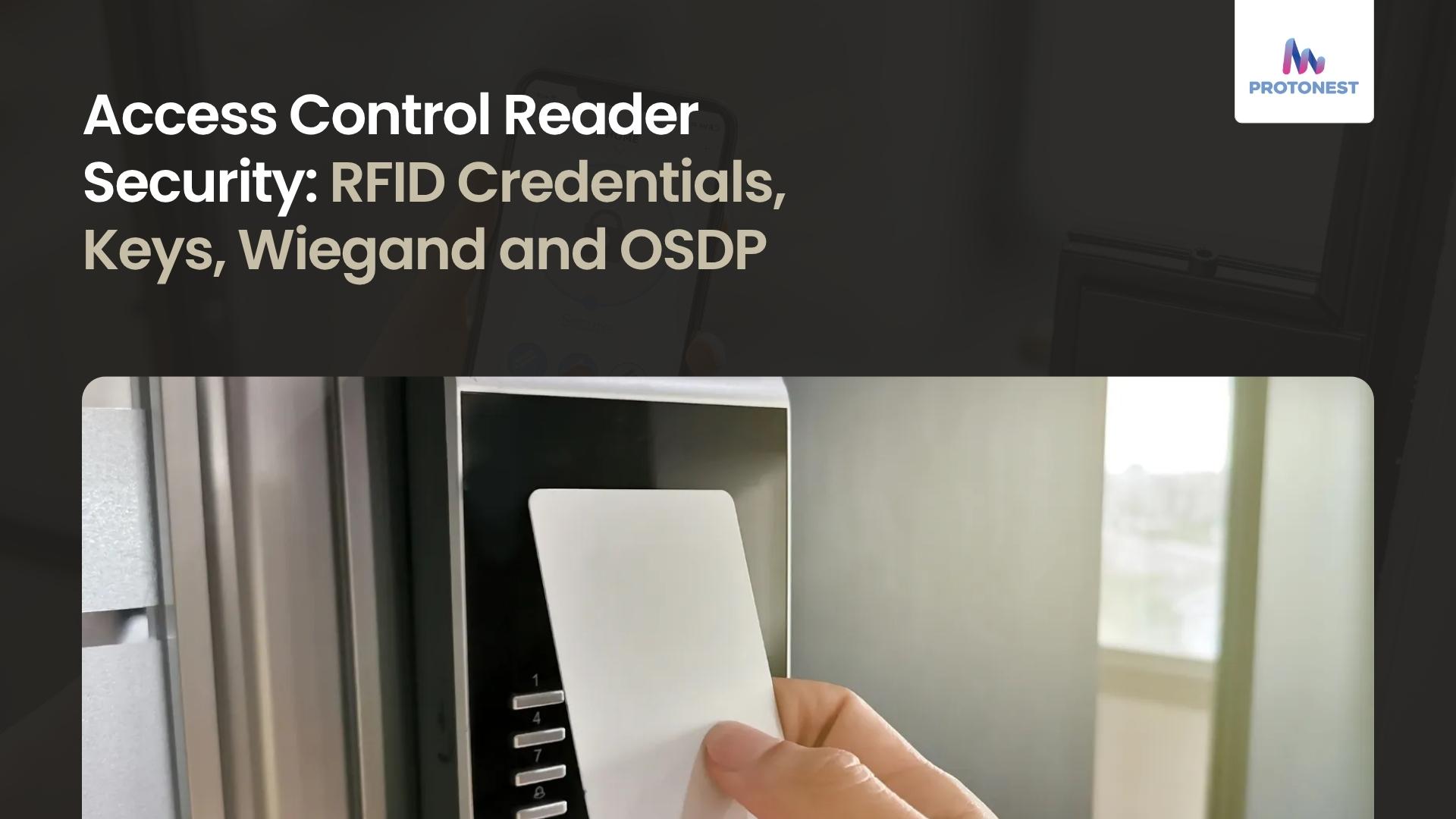
Access control reader security is about protecting the full path an access credential takes before a door is opened. That path usually involves three connected parts: the credential, the reader and the connection from the reader to the controller.
For product managers, founders, directors and other decision-makers at access control companies, the important question is not simply which credential or reader technology is supported. You also need to understand how the credential is verified, how security keys are handled and how data is protected before it reaches the controller.
This article explains where security can weaken across that chain. It covers low-frequency RFID, card cloning, cryptographic authentication, MIFARE DESFire, key ownership, Wiegand, OSDP Secure Channel and staged migration. It also gives B2B access control companies a set of practical questions to use when reviewing or modernising a product.

Access control security flows like a chain
A typical transaction starts when a card, fob or mobile credential is presented to an access control reader. The reader collects or verifies credential information and passes the result to a controller. The controller then applies the access rules and decides if the door should open.
The table below shows what needs to be protected at each stage and what can go wrong when one part of the chain is weaker than the others.
|
Component |
What needs to be checked |
Main risk |
|
Credential |
Does it only send an ID, or can it prove it is genuine? |
Cloning or copied identifiers |
|
Reader |
Does it actually authenticate the credential? |
Secure cards being used like basic ID cards |
|
Security keys |
Who owns them and where are they stored? |
Shared or poorly managed keys |
|
Reader to controller |
Is the connection protected? |
Credential data sent without encryption |
|
Migration |
When will old technology be switched off? |
Attackers continuing to use the weaker option |
This needs to be considered because strong security at one stage cannot fully compensate for a weaker stage elsewhere. For example, a smart card may support cryptographic authentication, but if the reader uses only its static identifier, those stronger security features are not being used. Likewise, a secure credential and reader can still pass data to the controller through an older unencrypted interface.
Why low-frequency RFID is easier to clone
RFID means radio-frequency identification. In access control, older low-frequency RFID credentials commonly operate at 125 kHz. Many of them use a fixed identifier, usually represented as a series of numbers.
This creates a basic problem. If the access decision depends only on that identifier, the system checks the identifier being presented but does not necessarily prove that the original physical card or fob is present. A copied identifier may therefore be used to impersonate that credential.
The Security Industry Association (SIA), a recognised security industry body, describes the limitation directly:
“125 kHz, typically use a fixed identifier and offer minimal protection against cloning.”
According to the SIA, cloning means copying usable credential data to another card, fob or device so it can impersonate the original. RFID access control security should therefore be judged by the credential type and how it is verified.
The same issue can appear with higher-frequency smart cards if a system reads only a static card identifier. A more advanced card does not help much if its stronger security functions are not utilized through a system.
Identifier-only credentials versus cryptographic authentication
An identifier-only credential gives the reader a number. The system checks that number against its access records.
Cryptographic authentication adds another step. Here, cryptography means using secret digital keys and mathematical checks so the reader can verify that the credential is genuine rather than trusting a copied number.
A simple way to think about Cryptographic authentication:
Identifier-only: “What is your card number?”
Cryptographic authentication: “Can you prove you own the correct secret key?”
In cases of attempting to clone credentials, copying visible or readable card data does not automatically copy the protected key needed to complete that authentication.
The National Institute of Standards and Technology (NIST), the US government standards body, makes this distinction in its guidance for Personal Identity Verification (PIV) cards. PIV is the smart-card credential system used by US federal agencies. NIST notes that stronger authentication methods based on protected keys are highly resistant to cloning. The broader lesson is simple: the system should verify the credential, not just read an identifier.
What MIFARE DESFire means in access control
MIFARE DESFire is a family of contactless smart-card technologies made by NXP Semiconductors, the chip manufacturer behind the MIFARE product family.
MIFARE DESFire can support security features that basic identifier-only credentials cannot.
MIFARE DESFire EV3 supports mutual authentication, which means the card and reader can verify each other before protected information is exchanged. It also supports AES-128, a widely used encryption standard, that allows encrypted communication between the card and reader. NXP also provides options for managing multiple encryption keys and changing keys over time.
This makes MIFARE DESFire access control capable of stronger credential verification. But the product name alone does not prove that a deployment is secure. A reader can support DESFire and still use only a static identifier.
Product owners should therefore separate two requirements:
“The reader supports MIFARE DESFire.”
- “The reader uses MIFARE DESFire’s cryptographic authentication.”
- The second point tells you much more about the actual security level.
DESFire EV3 also includes a proximity-check function intended to help protect against relay attacks. In a relay attack, the attacker does not copy the credential. Instead, communication from a genuine credential is forwarded to a reader from farther away, making the reader behave as if the genuine credential were nearby.
Key ownership matters as much as the credential
Once a product uses cryptographic authentication, it also depends on cryptographic keys. A key is a secret digital value used during authentication or encryption.
Management teams do not need to design the key system, but they should know who controls it. Key ownership can affect card issuance, reader replacement and supplier migration.
The practical questions are: Who owns the keys? Who can create new credentials? How are reader keys loaded? Can keys be changed after a security incident? Can different customers or sites use different keys?
Secure key storage is also part of the design. Some products use dedicated protected hardware to keep keys out of general device memory.
NXP, for example, offers a Secure Access Module (SAM) for this purpose. A SAM is a protected chip that can store security keys and perform cryptographic operations without exposing those keys to the rest of the device. NXP’s MIFARE SAM AV3 supports secure key storage and key management for products such as readers and door locks.
This is why key ownership and secure storage matter at product level. If access keys cannot be properly controlled, protected or replaced, maintaining the security of the credential system becomes harder over time.
OSDP versus Wiegand: what happens after the reader accepts the card?
Establishing credential security is only the first part of the chain. Once the reader accepts a credential, it still needs to send information to the controller.
Wiegand is an older reader-to-controller interface that is still commonly used because many installed systems support it. However, its main security limitation is that it sends data one way and does not encrypt the credential information that travels between the reader and controller.
Security Industry Association describes this clearly:
“Legacy one-way signaling methods transmit credential data without encryption.”
A company can therefore invest in modern smart cards but still leave a weaker connection from the reader’s point onwards.
OSDP, or Open Supervised Device Protocol, is a newer communication standard for access control readers, controllers and related devices. Unlike Wiegand, OSDP supports two-way communication, device supervision and an encrypted option called Secure Channel.
OSDP Secure Channel uses AES-128 encryption to protect communication between the reader and controller. In plain terms, it protects the data travelling between them from being sent in an easily readable form.
There is one important detail. A device supporting OSDP does not automatically mean Secure Channel is active. SIA’s 2026 Corporate Credential Design Guide states that Secure Channel needs explicit configuration and recommends checking that it is enabled.
So “Supports OSDP” and “Uses OSDP secure channel” mean two different things:
- “Supports OSDP” means the product can use the protocol.
- “Uses OSDP Secure Channel” means the protected communication mode is actually being used.
Migration needs a clear end point
Many access control companies cannot replace every card, reader and controller at the same time. Existing customers may have large numbers of older credentials and readers already in use.
A staged migration can make the change manageable. New readers may temporarily support both older credentials and newer secure credentials while cards are replaced.
However, there can be risks in leaving both options active permanently.
SIA’s 2026 Corporate Credential Design Guide warns about this downgrade problem. If a modern credential also contains a weaker legacy technology, an attacker may ignore the stronger option and target the part that is easier to copy. The same problem appears when a multi-technology reader keeps accepting an older credential type after migration.
A practical migration should introduce the target reader and credential technology, move users and doors in controlled stages, then disable the old credential technology or reader interface when it is no longer required.
This is especially relevant when moving away from 125 kHz credentials or Wiegand. Compatibility can help during transition, but permanent backward compatibility can preserve the weakness the upgrade was intended to remove.
What B2B access control companies should ask
Managers and product owners should be able to get clear answers to these product questions:
- Does the reader authenticate the credential, or only read a card number?
- If MIFARE DESFire is supported, are its cryptographic features actually used?
- Who owns and manages the credential keys?
- How are sensitive keys protected?
- Does the reader communicate with the controller through Wiegand or OSDP?
- If OSDP is used, is Secure Channel enabled?
- If legacy and modern credentials are both supported, when will the legacy option be disabled?
- Can keys and credentials be migrated without replacing the entire product?
These questions give management teams a clearer view of access control security than a simple technology list.
Access control reader security depends on the complete path
Access control reader security should be evaluated from credentials all the way to the controller.
Low-frequency RFID and other identifier-only credentials can be easier to copy because the system may trust a fixed identifier. Cryptographic credentials can provide stronger proof that the credential is genuine, but the reader must actually use those security features. MIFARE DESFire provides capabilities for this, while key ownership and storage affect how those capabilities are managed over time.
The connection after the reader also matters. Wiegand sends credential information without encryption, while OSDP Secure Channel can protect the reader-controller link. During migration, older technologies may need to remain temporarily, but the project should define when they will be retired.
For access control companies, the strongest product is not the one with the longest list of supported technologies. It is the one where the credential, reader, keys and controller form a consistent security chain.
References
- Security Industry Association, Access and Credentials: Simplicity on the Surface View source
- Security Industry Association, Open Supervised Device Protocol (OSDP) View source
- Security Industry Association, Corporate Credential Design Guide View source
- National Institute of Standards and Technology, Guidelines for the Use of PIV Credentials in Facility Access, NIST SP 800-116 Rev. 1 View source
- NXP Semiconductors, MIFARE DESFire EV3 View source
- NXP Semiconductors, MIFARE SAM AV3 View source