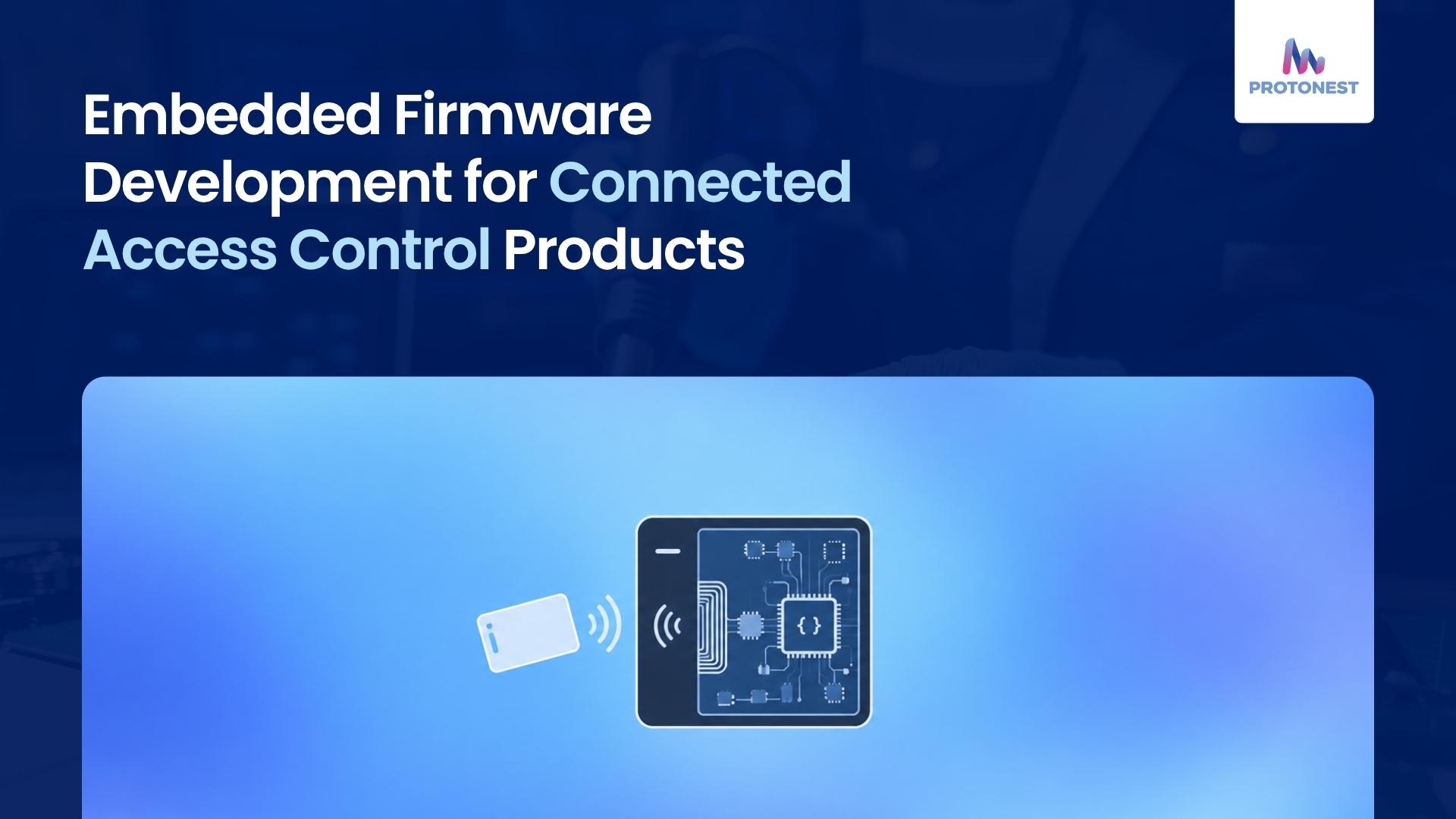
Access control products are often judged by their hardware, form factor and user experience. But much of the product’s real behaviour comes from firmware. In a connected reader or controller, firmware governs how the device communicates with credentials and other system components, handles time-sensitive door behaviour, monitors locks and sensors, responds to connectivity loss and accepts updates after deployment.
That is why embedded firmware development matters so much in modern access control. It affects security, reliability and maintainability, and can also influence the support effort required after deployment. For a management team building or modernising a reader, controller or mobile-ready access product, firmware decisions influence the customer experience and the long-term product roadmap.
This article explains the role of firmware inside connected access control products, what a strong embedded firmware development process should include and what B2B access control companies should assess when they build in-house or evaluate embedded firmware development services.

What firmware does in a connected access control product
At a simple level, firmware is the software that runs directly on the embedded hardware inside a device. In access control, that usually means software running inside a reader, a controller or both.
The important point is that a reader and a controller do not always do the same job. In many systems, the reader’s main role is to capture credential data and pass it to the controller. The controller then makes the access decision and operates the lock. Depending on the architecture, some access logic may also run locally at the reader or edge device.
The table below shows a typical division of responsibilities. Actual designs vary by product architecture.
|
Firmware responsibility |
Reader firmware |
Controller firmware |
|
Read cards or mobile credentials |
Common |
Sometimes |
|
Bluetooth Low Energy (BLE) and Near Field Communication (NFC) handling |
Common in mobile-ready readers |
Sometimes |
|
Credential formatting and transfer |
Common |
Common |
|
Primary access decision |
Limited or architecture-dependent |
Common |
|
Relay or lock control |
Less common |
Common |
|
Door contact and input monitoring |
Limited |
Common |
|
Local event storage |
Possible |
Common |
|
Network or cloud communication |
Product-dependent |
Common in connected products |
This separation matters because it affects product complexity, failure handling, update strategy and support needs. It also determines how much capability you can safely keep at the edge during communication loss.
How firmware handles an access event in real time
A door interaction looks simple from the outside. A person presents a card or phone, the door unlocks and the event is logged. Under the surface, several firmware layers work together.
The first layer is hardware control. Drivers let firmware communicate with components such as NFC hardware, Bluetooth radios, LEDs, buzzers, relays and inputs such as door-position and tamper sensors. Firmware also coordinates time-sensitive behaviour around credential reads, lock activation and sensor changes.
The next layer is credential handling. Modern readers often support more than one credential path. HID’s Signo reader family is a useful example. HID states that these readers support mobile access through native Bluetooth and NFC, support Open Supervised Device Protocol (OSDP), and store cryptographic keys on certified secure-element hardware. This shows why reader firmware is no longer just about reading a proximity card. It may need to handle cards, fobs and mobile credentials in one product line.
Two common technologies here are Bluetooth Low Energy (BLE) and Near Field Communication (NFC). BLE is a wireless standard designed for low-power device communication. In access control, it is widely used for mobile credentials and phone-based interactions. NFC is a short-range wireless technology used for tap-style interactions, including many physical cards and some phone-based credentials.
You may also see credential technologies such as MIFARE DESFire. MIFARE DESFire is a contactless smart-card technology from NXP. NXP describes MIFARE DESFire EV3 as a high-security contactless integrated circuit used in applications including access management, with features such as AES-based cryptography, multiple keys per application and mechanisms intended to reduce relay and man-in-the-middle attacks.
For a product manager, the main point is simple: credential technology affects reader capability, security requirements and long-term support.
After the credential is read, the device still has to communicate with the rest of the system. This is where Open Supervised Device Protocol (OSDP) becomes important. OSDP is an access-control communication standard maintained by the Security Industry Association (SIA). It was developed to improve interoperability between access control and security products.
Compared with older low-security reader interfaces, OSDP supports bidirectional communication and can use Secure Channel with AES-128 encryption. For product teams, this means firmware has to manage not only credential reading but also reliable and secure communication between readers and controllers.
Why offline behaviour is a product requirement
A connected access product still has to behave sensibly when connectivity is degraded. That should be considered during product design rather than added later.
NIST’s IoT device security guidance includes the ability to continue operating when associated networks are unavailable and the ability to fail in a secure state.
For access control products, this may mean supporting local permissions, schedules, credential expiry handling, stored configuration and event storage.
Management teams should ask clear questions. If the network goes down, can the product still validate approved users locally? How are revoked credentials handled until the device reconnects? Can the product store access events and upload them later? Does offline mode still respect door schedules, time windows and security rules?
The answers depend on the architecture. But firmware usually carries much of this responsibility.
Security starts inside the firmware
In connected access control, firmware is where many of the product’s important security controls live.
Secure boot
Secure boot allows the device to verify that firmware is authorised and has not been modified before it runs.
NIST’s firmware resiliency guidance describes security mechanisms for protecting firmware from unauthorised changes, detecting changes and recovering securely when a problem occurs.
“Protecting the platform against unauthorized changes, detecting unauthorized changes that occur, and recovering from attacks rapidly and securely.”
National Institute of Standards and Technology (NIST)
This matters because compromised firmware can control the behaviour of the device at a very low level.
Protected key storage
Access products may also need cryptographic keys for credential security, secure communication and device identity.
NIST’s IoT guidance includes secure cryptographic key management and secure storage of encryption keys as part of device data protection.
In practice, this means sensitive keys should not simply sit unprotected in normal firmware storage when the hardware platform provides safer options.
This is where a secure element can be useful. A secure element is a dedicated hardware component designed to protect cryptographic keys and perform security-related operations. HID, for example, states that its Signo readers store cryptographic keys on certified secure-element hardware.
Protecting configuration and interfaces
Firmware also has to protect device configuration and management interfaces.
A device may expose Bluetooth configuration, serial interfaces, network services, debugging interfaces or local service modes. Product teams need to decide who can use those interfaces and under what conditions.
NIST’s IoT guidance states that software updates and configuration changes should be restricted to authorised entities. This is why secure boot alone is not enough. Update paths, configuration functions and management interfaces also need protection.
OTA updates, rollback and diagnostics
Embedded firmware development does not end when the product ships.
Over-the-air updates
Over-the-air (OTA) updates allow firmware to be updated remotely without physically connecting to every deployed device.
NIST recommends that IoT software updates be performed through secure mechanisms and restricted to authorised entities. It also recommends verifying that updates come from valid sources before installation.
For an access control product, the update process should account for questions such as:
- How is the firmware package authenticated?
- What happens if power is lost during an update?
- Can an unauthorised firmware image be rejected?
- Can deployments be updated gradually rather than all at once?
The exact design depends on the product, but these decisions should be made before large deployments begin.
Rollback and recovery
A second problem appears when an update installs successfully but the new firmware does not work correctly.
A recovery strategy can allow the device to return to a known working firmware version. MCUboot, an open-source secure bootloader for microcontrollers, documents a test-and-revert mechanism where a device can boot a new firmware image and return to the previous image if the new version does not confirm successful operation.
The product implication is straightforward: a bad firmware release should not leave deployed readers or controllers unusable.
Diagnostics
Diagnostics are equally important after deployment.
Support teams may need access to information such as:
- firmware version
- device state
- communication status
- update status
- hardware errors
- credential or interface errors
HID’s Reader Manager is one industry example. It allows supported readers to be configured in the field, have firmware updated and have keys managed through a mobile application.
Good diagnostics can reduce support time and make field problems easier to investigate.
What a strong embedded firmware development process should include

- Product and system requirements - Define credential technologies, locks, sensors, offline behaviour, communication interfaces, timing requirements and security needs.
- Firmware and hardware architecture - Decide which responsibilities sit in the reader, controller, secure hardware and connected backend.
- Hardware bring-up and drivers - Develop and test the firmware needed to communicate with the actual electronics.
- Protocols and product logic - Implement technologies such as BLE, NFC and OSDP alongside credential processing, access logic and device communication.
- Security and update design - Plan secure boot, protected keys, firmware signing, OTA updates and recovery.
- Integration and product testing - Test the device as a complete product rather than testing firmware in isolation.
- Release and lifecycle support - Plan versioning, signed releases, deployment, diagnostics, security patches and end-of-life support.
NIST’s Secure Software Development Framework recommends integrating secure development practices throughout the software development life cycle rather than treating security as a final check.
That principle applies directly to connected access control products. If secure updates, recovery and diagnostics are treated as late additions, the product becomes harder to maintain and support.
Testing firmware for connected access control products
Access control products need product-level testing, not just code-level testing.
Testing should cover normal behaviour, such as credential reading, lock timing and sensor states. It should also cover conditions that are easier to miss during development:
- different supported credentials
- BLE and NFC behaviour
- reader-to-controller communication
- lock and door sensor states
- power interruption
- network loss and recovery
- offline permissions
- stored-event recovery
- failed or interrupted firmware updates
- rollback
- invalid or unauthorised firmware
- long-running stability
Interoperability testing is especially important when standards are involved.
The SIA OSDP Verified programme uses third-party testing to validate that devices conform to the OSDP standard and related performance profiles. SIA also notes that verification does not automatically guarantee interoperability in every deployment.
That distinction matters. Standards testing is valuable, but it should not replace complete product testing using the real hardware, firmware and system combinations customers will use.
When does it make sense to outsource embedded firmware development?
Some access control companies build firmware entirely in-house. Others use embedded firmware development services or choose to outsource embedded firmware development for part of the product.
Outsourcing can make sense when the internal team has strong market and product knowledge but limited embedded experience in areas such as BLE, NFC, OSDP, secure boot, OTA updates or custom hardware bring-up.
It can also help when internal engineering capacity is already committed and developing all firmware capabilities internally would slow the product roadmap.
The important part is defining responsibilities early.
Before selecting a development partner, decide who owns the firmware source code, who supports manufacturing, who maintains deployed firmware and who is responsible for updates, diagnostics and security fixes.
Those questions matter as much as the first firmware release.
What should you ask embedded firmware development companies?
When comparing embedded firmware development companies, access control product teams should ask questions such as:
- Have you developed firmware for custom embedded hardware?
- How do you divide responsibilities between the reader, controller and backend?
- How do you handle secure boot, firmware signing and protected key storage?
- How do you test offline operation and event recovery?
- What happens when a firmware update fails?
- How do you test BLE, NFC and access-control communication protocols?
- Who owns the firmware source code?
- What documentation is delivered?
- What support is available after the product launches?
These questions help determine whether a development partner can support the product beyond the prototype stage.
Embedded firmware is part of the access control product lifecycle
Firmware affects how an access control product reads credentials, communicates with controllers, operates locks, handles connectivity loss, protects sensitive keys and recovers from failed updates.
That is why embedded firmware development should be treated as part of the product lifecycle rather than a one-time software task.
Access control companies should assess firmware across the full product lifecycle: security, reliability, recovery and support after deployment.
References
National Institute of Standards and Technology, Technical Device Cybersecurity Capabilities Catalog
Security Industry Association, SIA OSDP Verified
Security Industry Association, SIA OSDP Verified Products
NXP, MIFARE DESFire EV3: High-Security IC for Contactless Smart City Services